Pay bills easily.
Get paid instantly.
No more chasing friends for money.
Create → Share → Get paid.
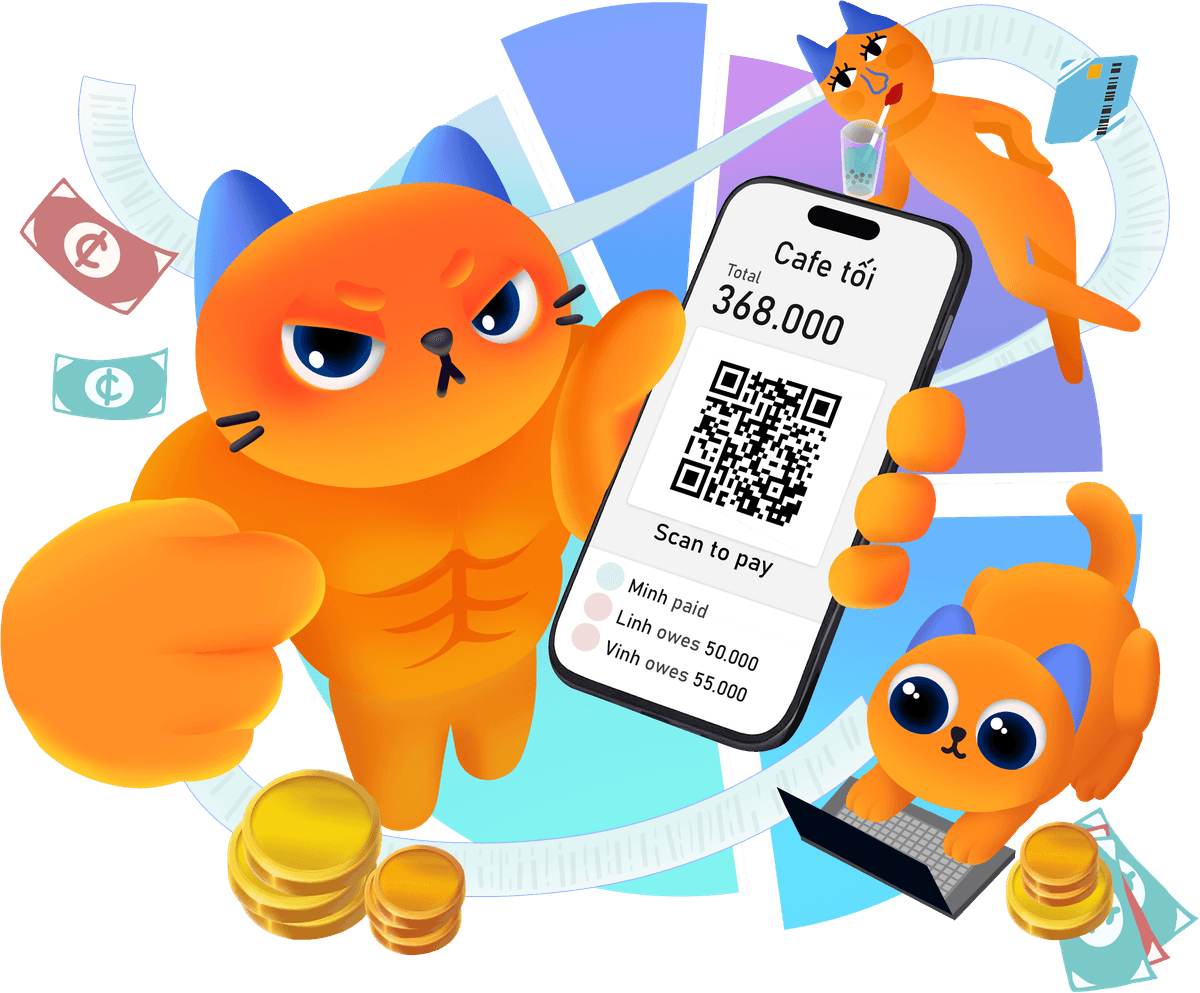
Create a bill
Add amount
Share a link
With friends
Scan & pay
Instant QR
Get settled
Everyone paid
Why was MeowPay born?
Because we got tired of paying upfront and chasing people for repayment.
From rushed office lunches and afternoon coffees to weekend football games — I was always the one paying first. But the hard part was never the payment. It was: who's already sent? Who hasn't? "I'll send later" — but did they? Reminding feels awkward. Not reminding leaves money hanging.
MeowPay was made to make splitting bills, tracking payments, and closing them out fast, clear, and less awkward.
If you have feedback, ideas, or just want to say hi, reach out:
See MeowPay in action
Create a shared expense, add a little personality, and send it out in seconds.
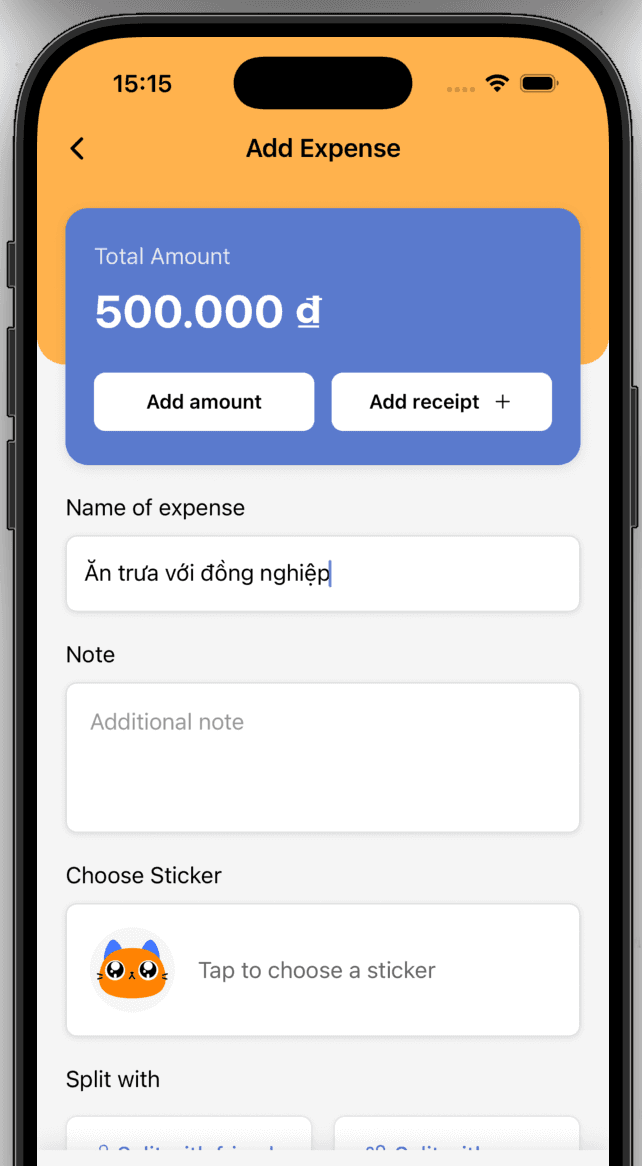
1. Create an expense
Add the total, write a note, and choose who's splitting.
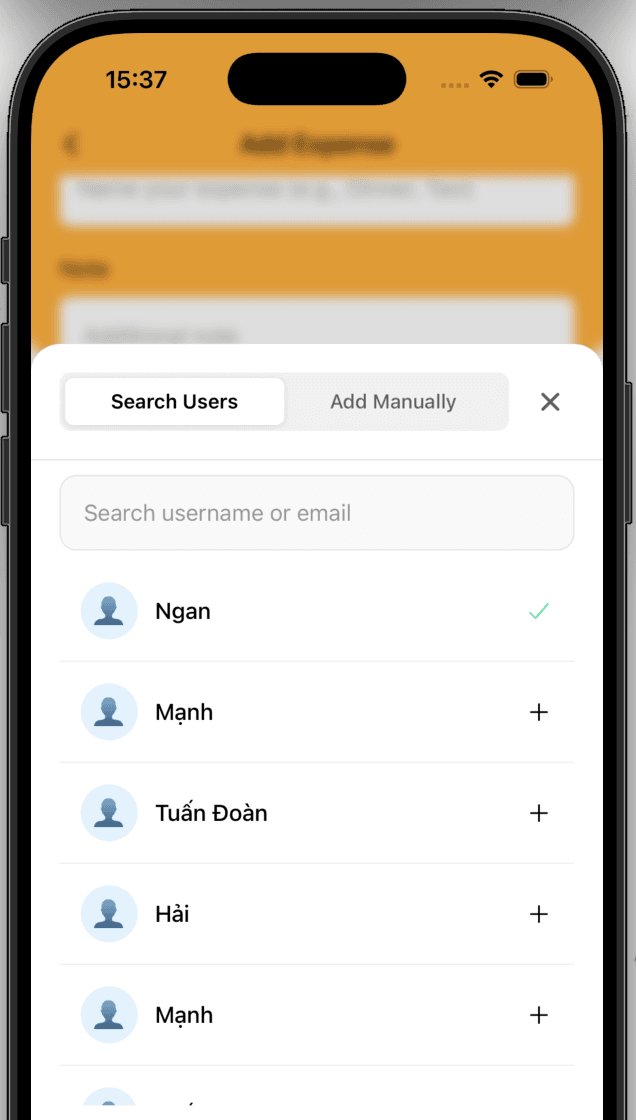
2. Add friends to the bill
Add friends to the bill to share.
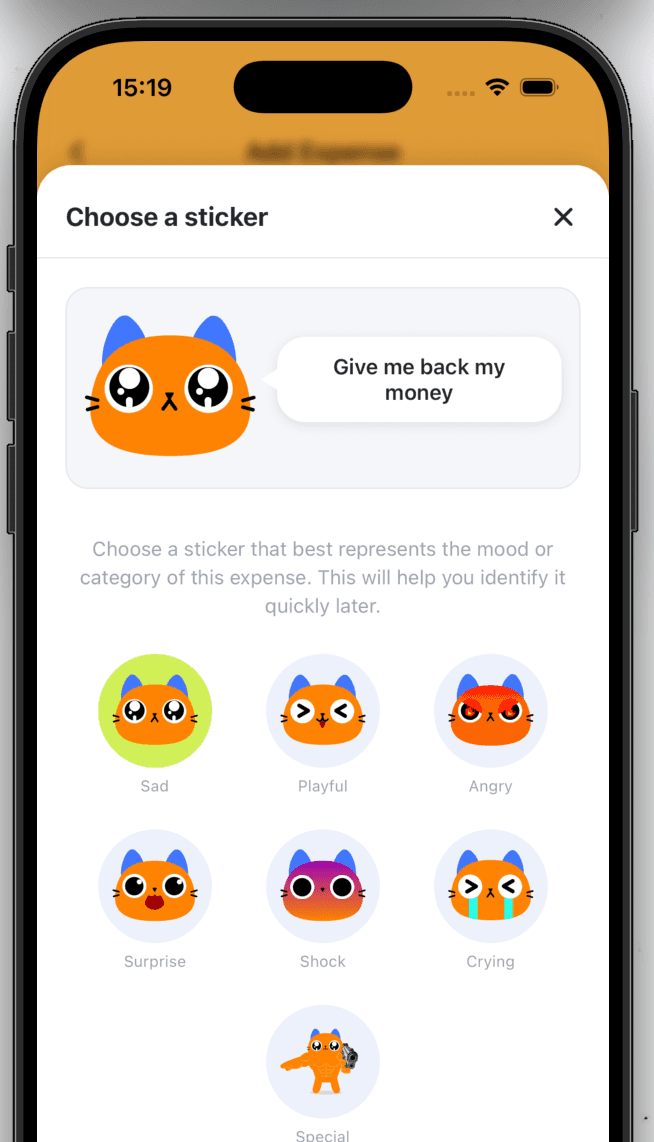
3. Pick a sticker
Make the bill feel more personal and easier to recognize later.
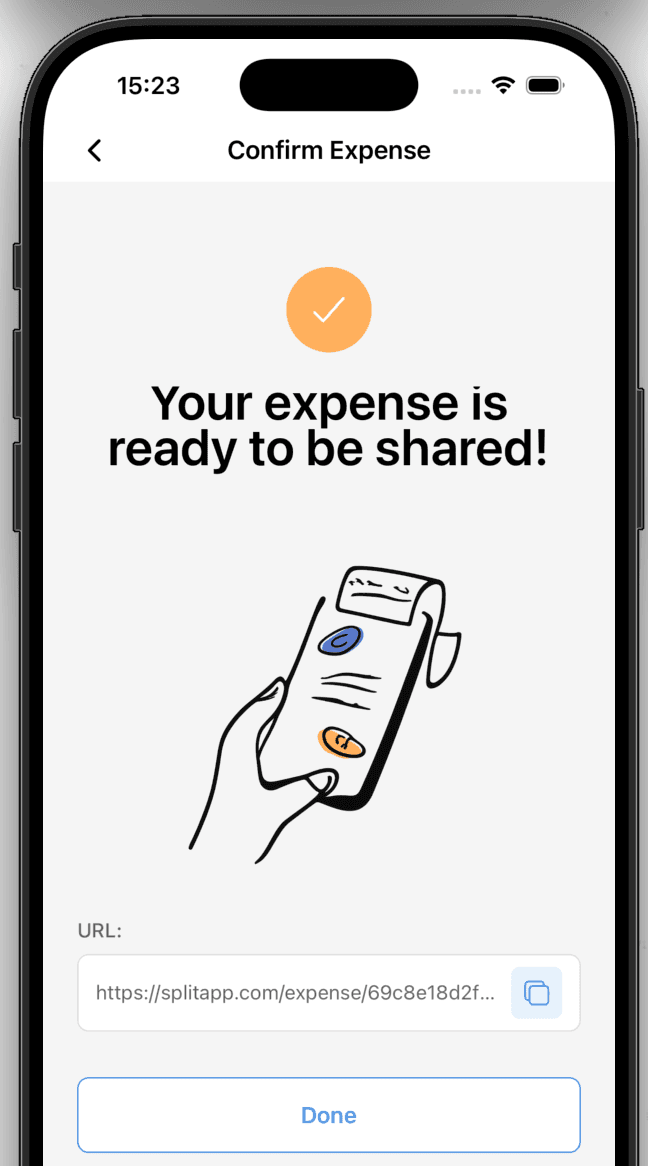
4. Generate and share bill
Create a shareable link to send to your friends.
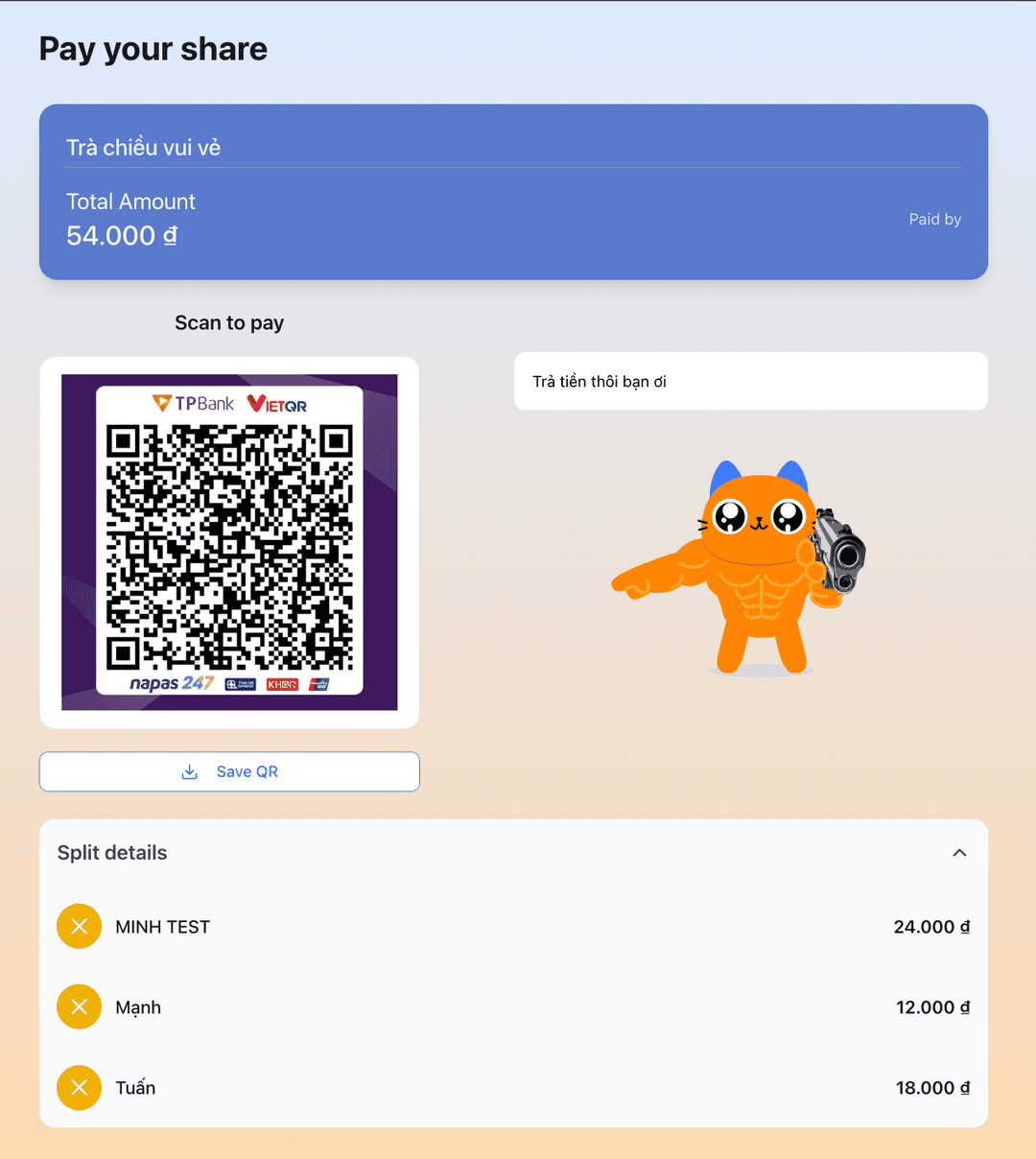
5. Your friend sees the bill
Friends can view all the details and payment information.
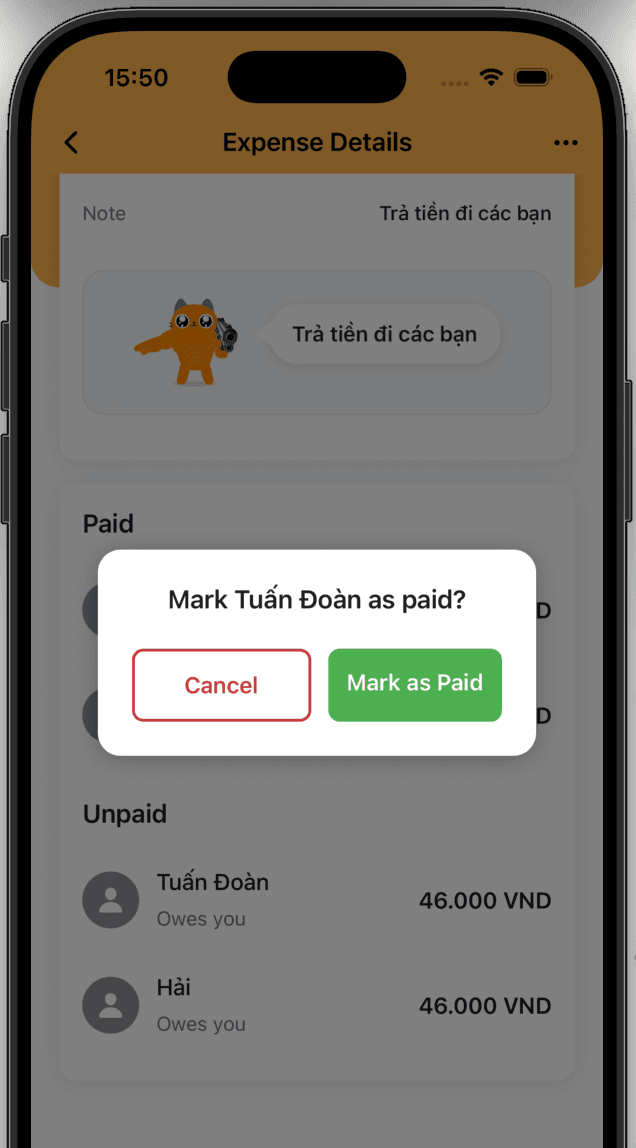
6. Mark as paid
Friends who already paid can be marked as complete.
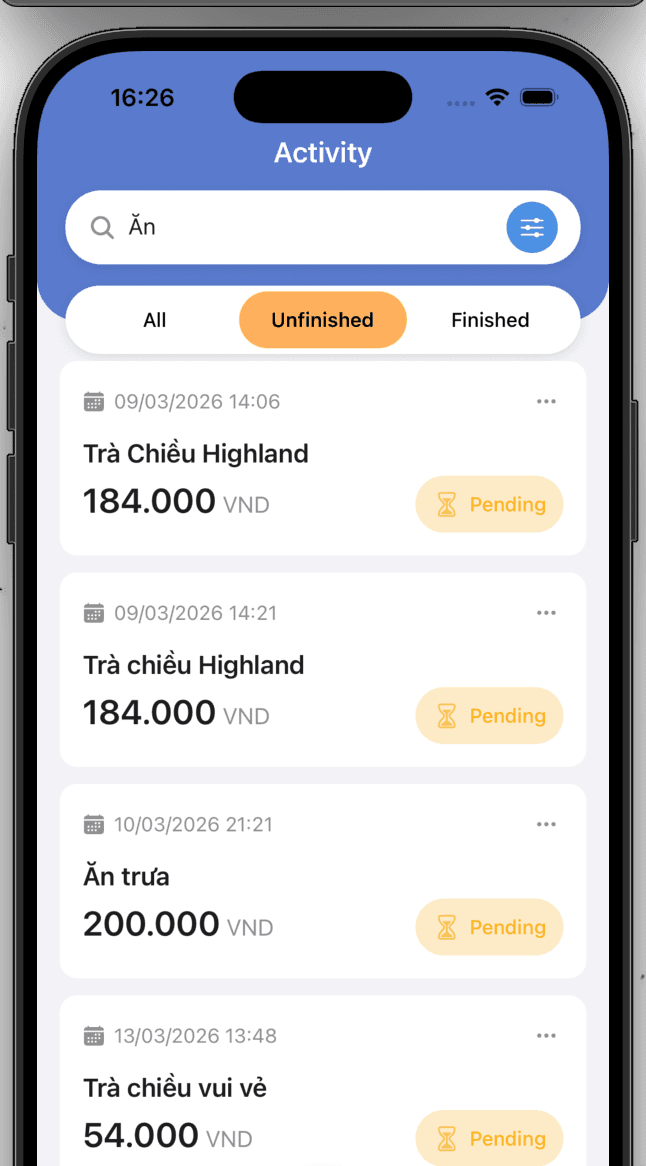
7. Manage your bill
Keep track of your paid and unpaid bills.
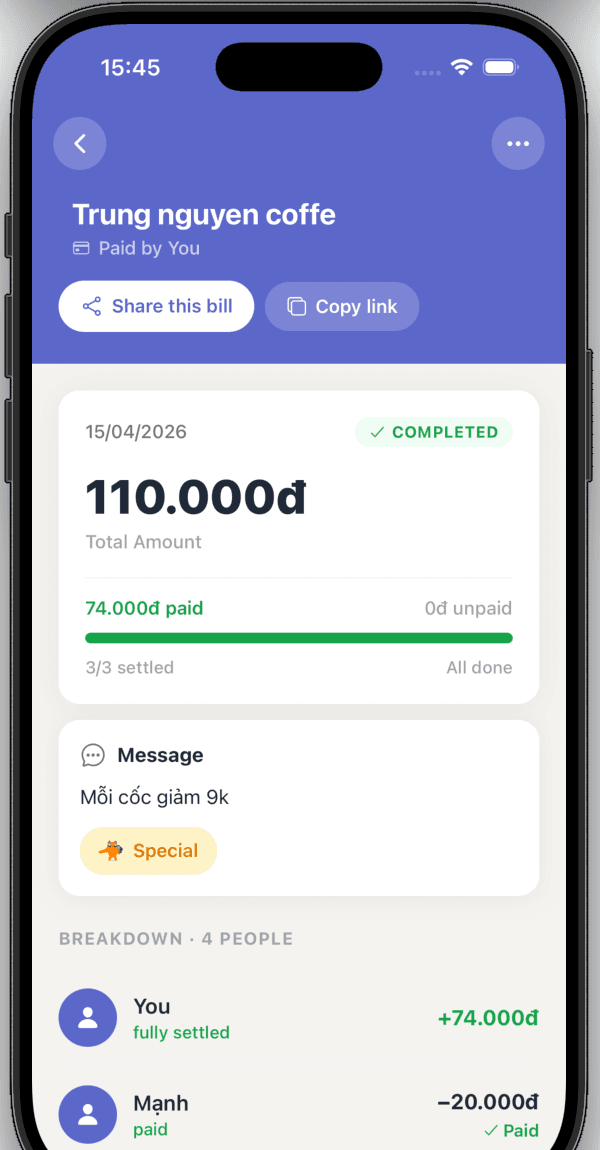
8. View bill detail and keep track
See full bill details and follow up on outstanding payments.
Search for a Bill
Enter the expense ID or bill code to view details and make your payment